
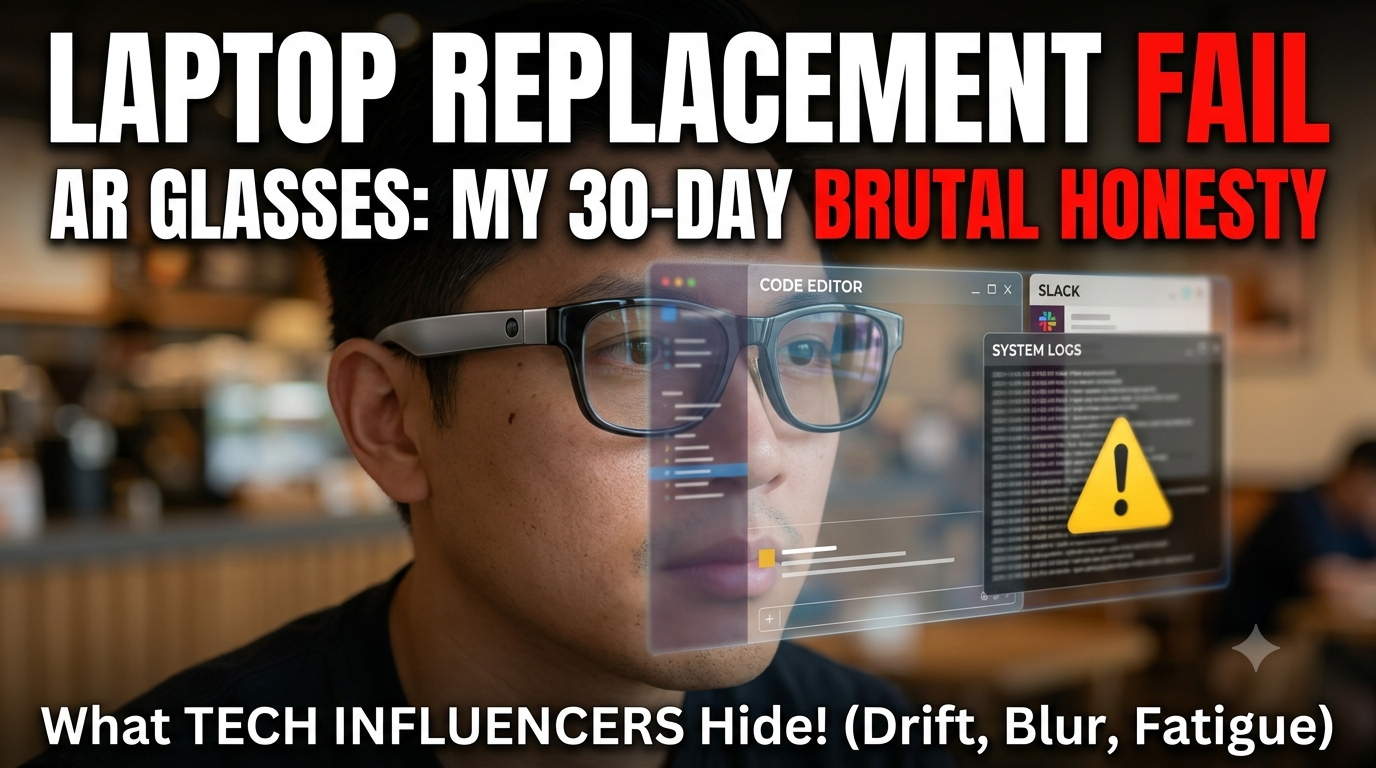
I packed a pair of tethered micro-OLED smart glasses, a foldable Bluetooth keyboard, and a mini PC into a tiny tech pouch last month. My goal was pretty simple: stop lugging a heavy 16-inch laptop and two portable USB-C monitors around every time I worked from a coffee shop or airport terminal.Marketing campaigns for hardware like Xreal, Viture, and Sightful promise spatial computing bliss. They show smiling professionals sitting on airplanes, staring at massive virtual monitors floating in thin air.After thirty days of trying to run my actual daily workflow through a pair of specs, I can tell you that spatial computing is real. But replacing your physical laptop screen with AR glasses comes with brutal compromises that tech influencers conveniently skip.
The 100-Inch Screen Illusion
The first minute you plug AR glasses into a USB-C port feels impressive.You put the frames on, and a giant floating display hovers in front of your eyes. Having a massive virtual monitor floating over a tiny cafe table feels like a sci-fi movie. You can open three browser tabs side by side, pull up a terminal window, and keep Slack running in your periphery without crowding a physical desk.Then the novelty wears off, and you notice the field of view limit.Most consumer glasses top out around a 46-to-52-degree field of view. That means you aren't actually looking at a massive wall-sized display all at once. You are basically looking at a large screen through a narrow mail slot. The virtual screen is technically huge, but you have to turn your head constantly just to see the outer edges of your desktop.
Reading Code on Birdbath Optics Sucks
If you use glasses for watching movies or playing handheld console games, micro-OLED panels look incredible. Deep contrast, bright colors.Editing spreadsheets or reading code is a completely different story.Computer work relies on razor-sharp text across the entire display. Because of optical refraction inside thin birdbath optics, the center of your virtual screen looks crisp, but the outer corners suffer from subtle softness and glare.I spent hours adjusting nasal pads and tilting frame arms just to get the bottom-right corner of my code editor in clear focus. If you shift your eyes to look at your taskbar instead of turning your whole head, the text gets blurry fast. By hour three of reading terminal logs, my eyes felt like they had run a marathon.
Screen Drift and Motion Sickness
There are two ways AR glasses display your desktop: smooth follow mode and spatial anchoring (3DoF).In smooth follow mode, the virtual screen stays locked directly in front of your eyes. Every time you turn your head to sip coffee, the entire computer screen moves with you. It feels unnatural and triggers motion sickness within twenty minutes.To fix that, glasses use 3DoF tracking to pin the screen at a fixed point in room space. You turn your head left, and the virtual screen stays put on the right.Here's the problem: internal gyroscopes drift over time. After fifteen minutes of typing, your virtual screen slowly starts sliding to the left. You end up sitting at your desk facing sideways just to center your work. You have to keep hitting a manual recalibration button every twenty minutes to pull your desktop back to center.
Privacy Is the Only Real Victory
Visual privacy is the single biggest win for AR smart glasses right now.If you deal with sensitive financial ledgers, private client code, or confidential docs in public spaces, working on a physical laptop screen is stressful. Anyone sitting behind you at a coffee shop or next to you in an airplane middle seat can shoulder-surf your entire screen in two seconds.With AR glasses, your physical laptop display stays completely dark. You sit in a crowded gate area working on proprietary files, and anyone looking at you just sees a person staring blankly into space wearing thick sunglasses. Nobody can steal a glance at your data unless they physically rip the glasses off your face.
Nose Bridge Fatigue and Cable Drag
Weighing 75 to 90 grams sounds light on paper. It isn't light when resting on the bridge of your nose for six straight hours.Standard prescription glasses weigh around 25 grams. AR glasses pack micro-OLED displays, heat sinks, audio drivers, and optical prisms into the front frame. All that weight sits right on your nose bridge.By hour two, the nose pads start digging in hard. By hour four, the frames trap heat around your forehead, and your nose feels bruised.Also, the tether cable gets annoying. The heavy USB-C braided wire hangs down off the left arm frame, constantly pulling on your ear whenever you turn your head.
The Bottom Line
Can AR smart glasses replace your laptop screen right now?For short bursts, sure. They are incredible for long flights, cramped train rides, or quick hour-long work sessions where you need visual privacy and a big display.For a primary eight-hour daily driver? Not even close. Peripheral text blur, nose bridge fatigue, and tracking drift mean physical monitors aren't going anywhere yet. Until optical fields of view widen significantly and frames drop under 50 grams, AR glasses remain an amazing secondary travel monitor—not a full laptop screen replacement.